What Can You Make With the xTool M2?
This post shares a few projects I’ve made with my xTool M2! I received this machine in exchange for an honest review, and this post may container affiliate links.
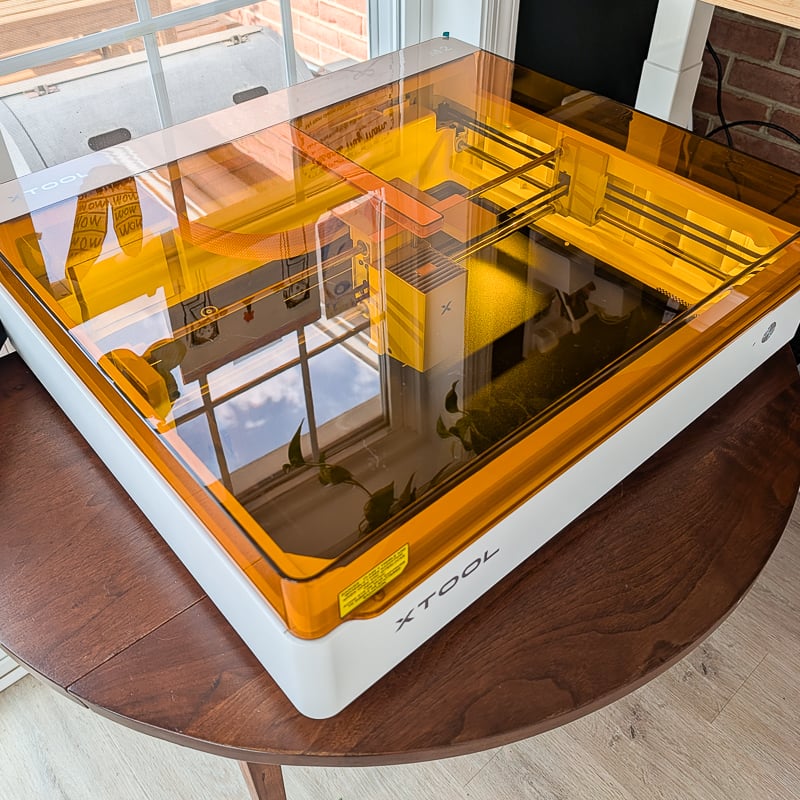
I’ve really been enjoying playing around with my new xTool M2. If you’re new to the machine, I did a post outlining some of its high-level specs, as well as my thoughts on my first few projects.
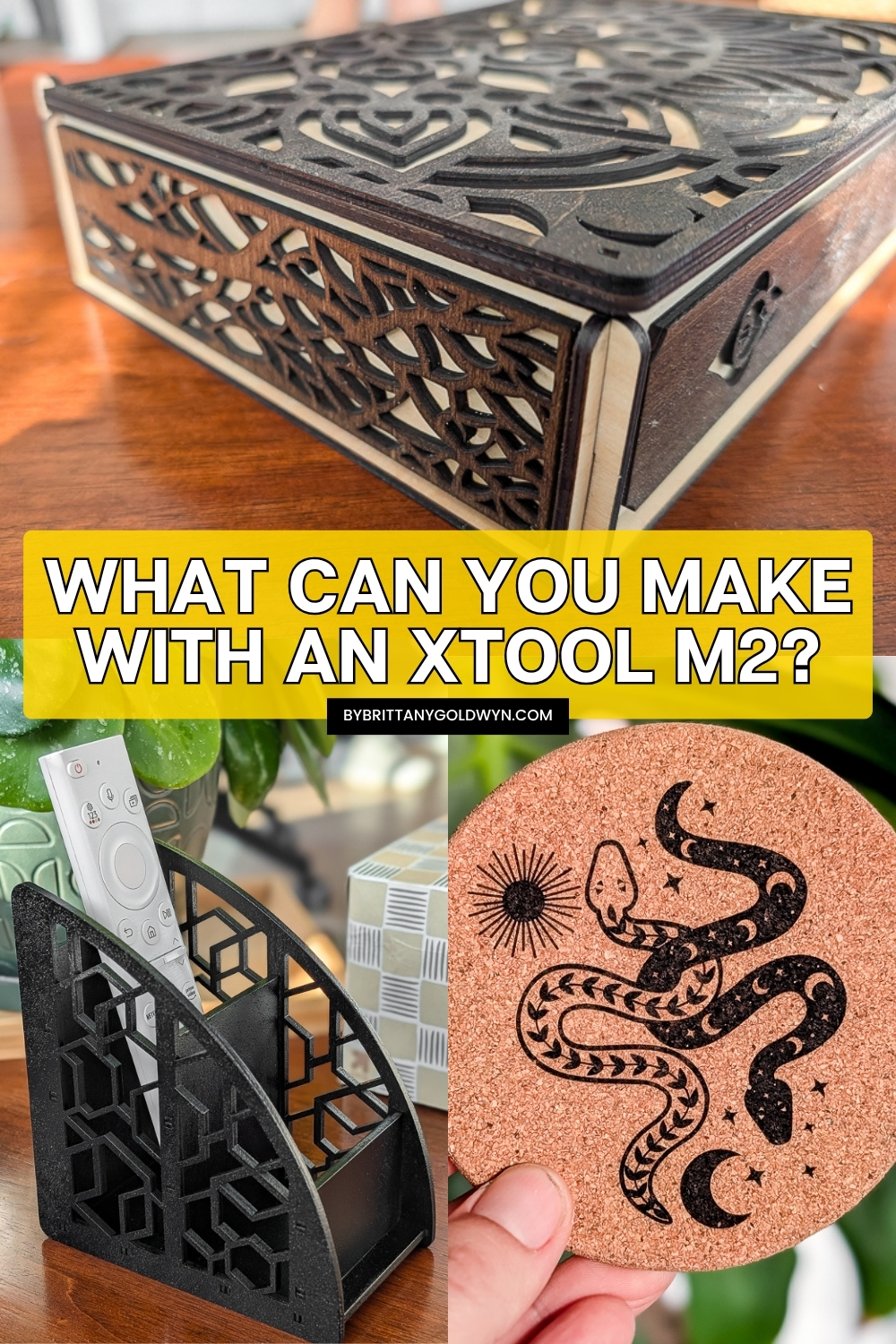
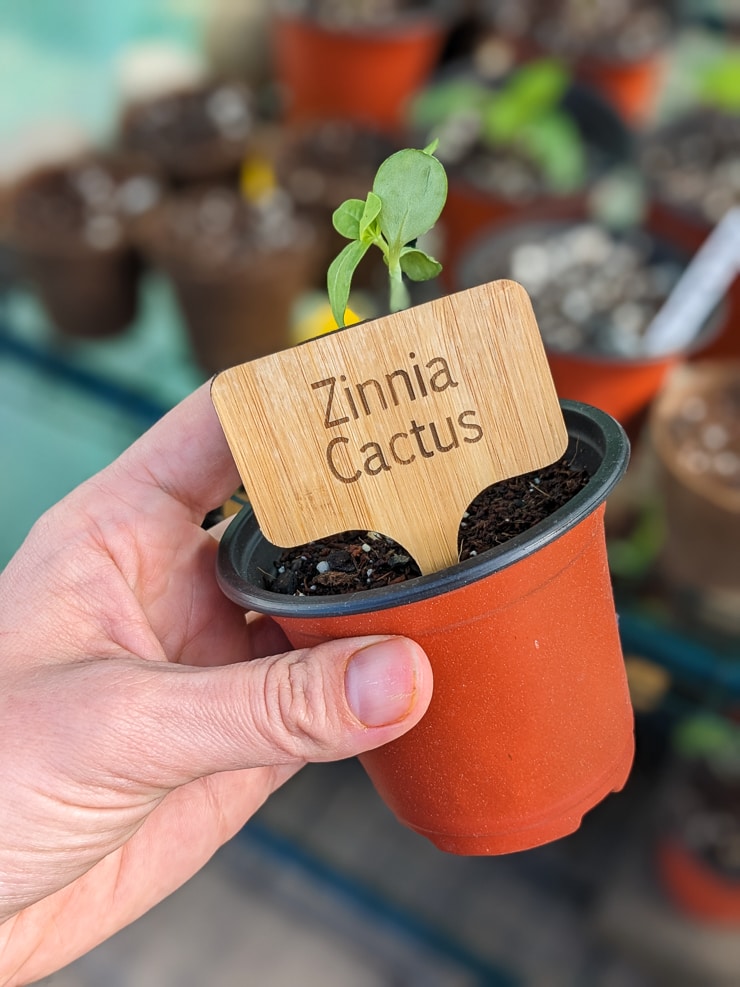
I tested engraving cork coasters, engraving thin wooden tags, and cutting 3mm wood. While the engraving projects were pretty intricate and impressive, the cutting project was very straightforward.
So today I’m really putting the machine to the test by making three different projects from Atomm, a great xTool community resource with tons of projects! All of the projects I chose were free and had increasing levels of intricacy with their cutting patterns.
First we’ll take a look at the file/paper holder, then we’ll look at the tabletop remote holder, and we’ll wrap up with the intricate jewelry box.
1. Magazine/paper organizer
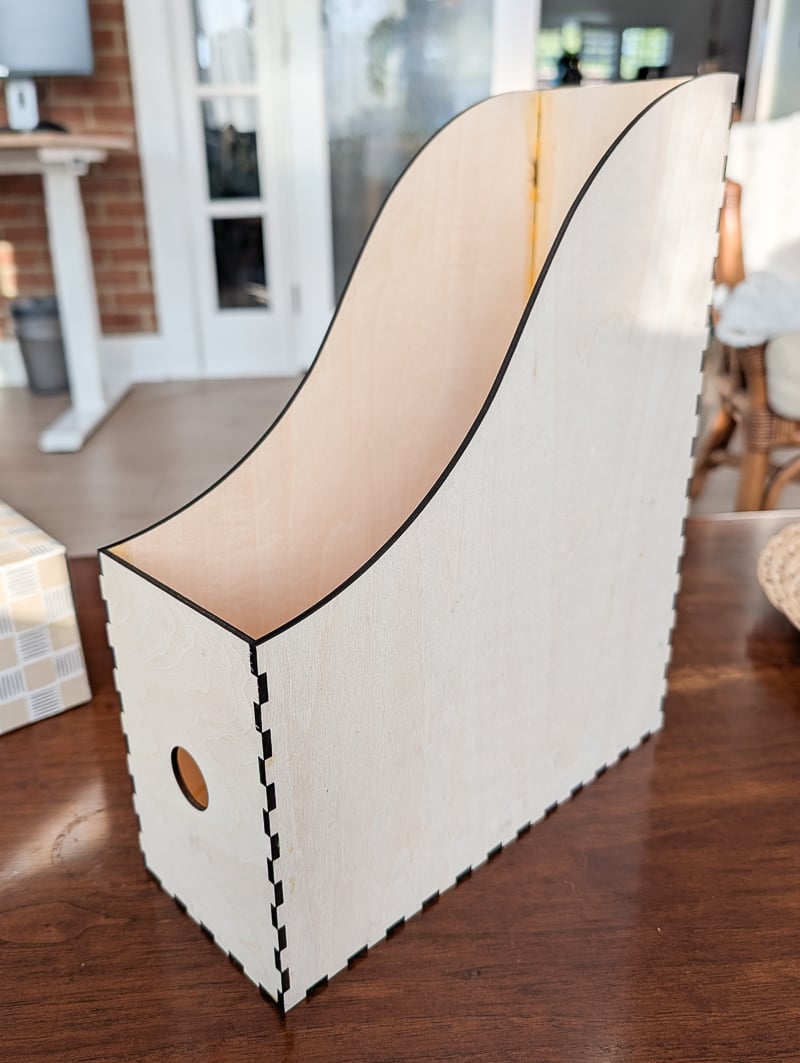
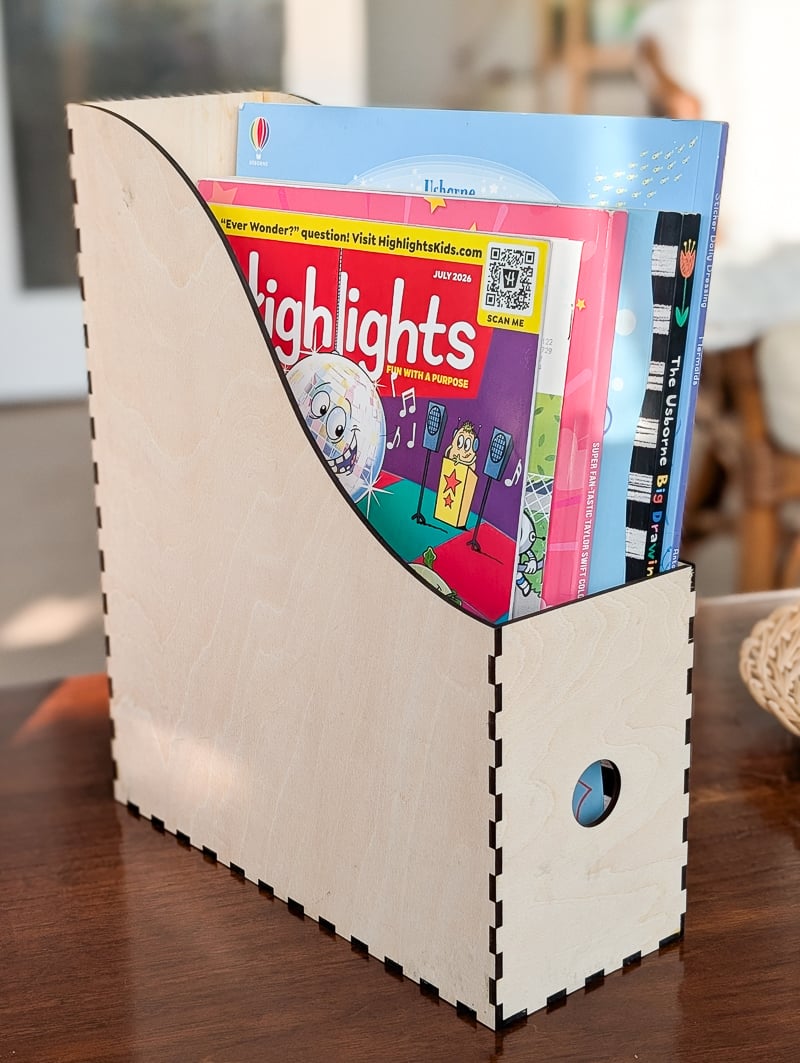
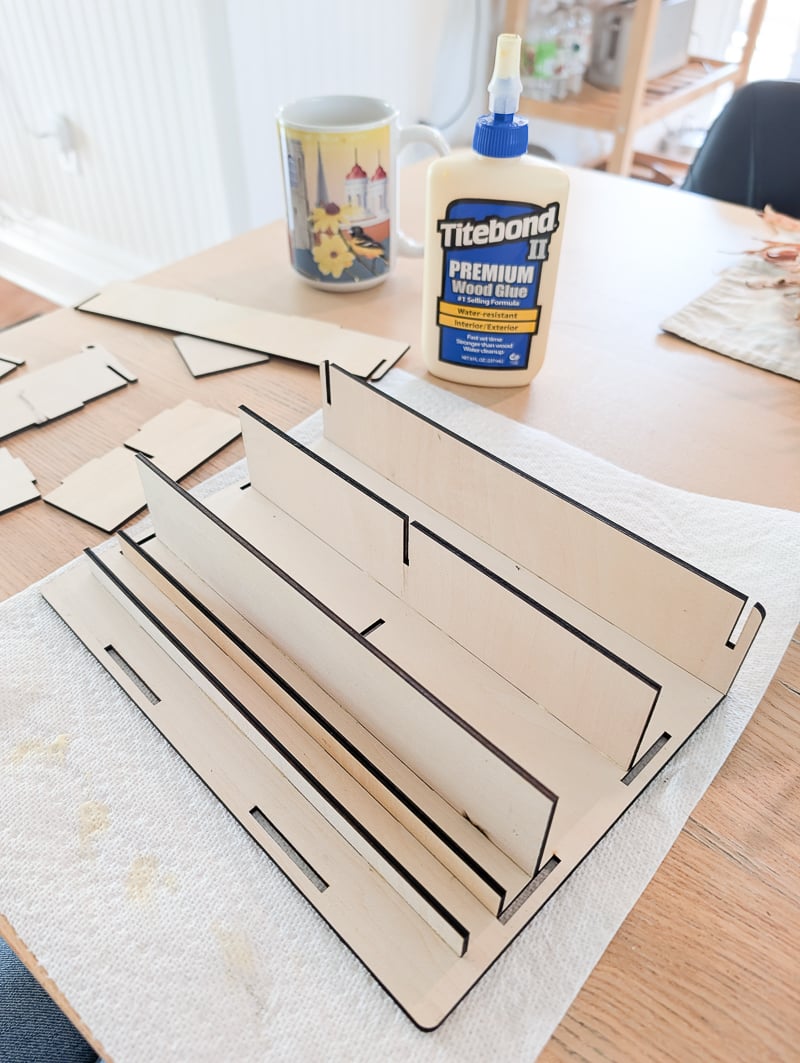
The first project was this simple magazine/paper organizer. My daughter constantly has different papers, homemade books, magazines, and random other stuff flying around. I usually shove them in a drawer, but I wanted to make something that would fit into her Ikea shelving to hold everything.
I purposefully omitted the engraving design on this so that I could let her paint it whatever color and pattern she wanted. This was very simple to cut out, but I did end up using some small wood clamps to apply pressure when gluing everything together. They definitely helped to get the perfect tight fit!
There are a bunch of different desktop organizers on Atomm that I want to try. This isn’t the first thing like this I’ve made…there are so many amazing options. I’ve been searching for Ikea Kallax items to cut out, too, to better organizer her cubes.
2. Remote holder
Do you have kids? Or do you always forget where you put things? We sure do…and there is nothing more annoying than when you can’t find the remote. Especially when you take your kid to school and start working…only to realize the TV is still blaring.
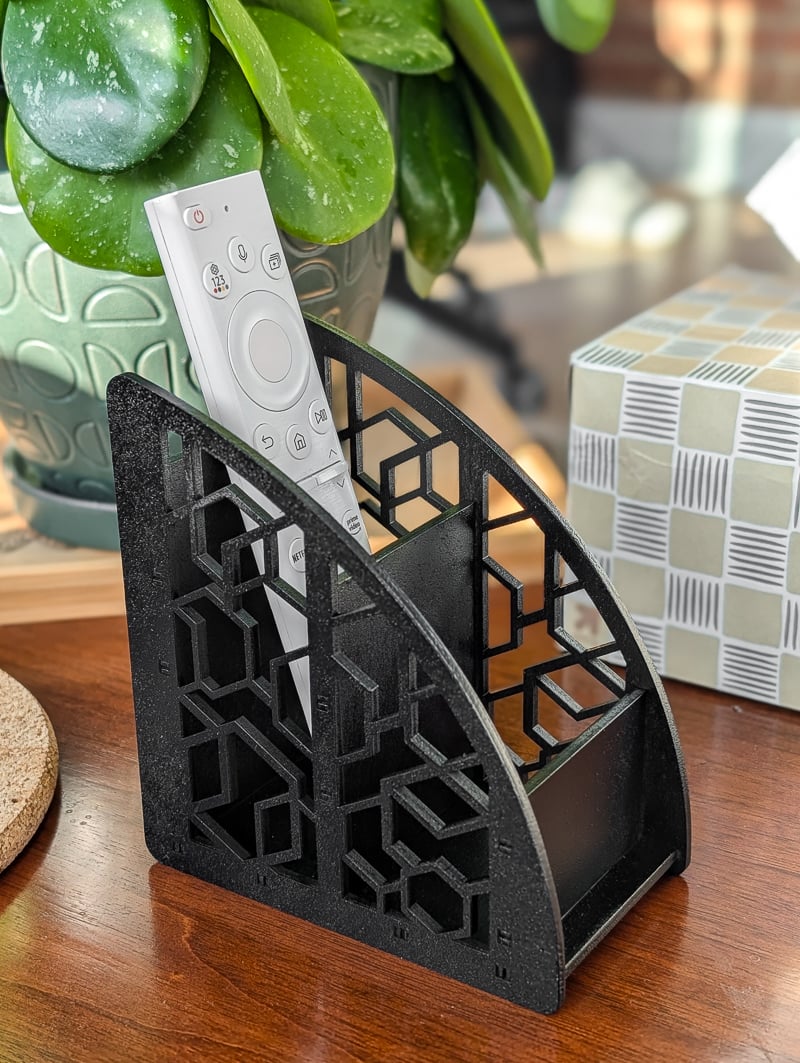
And we decided to get one of those “frame” TVs a few years ago, which means we can’t access the power buttons very easily. So when I saw this cute remote holder, I knew it would be a great project for us.
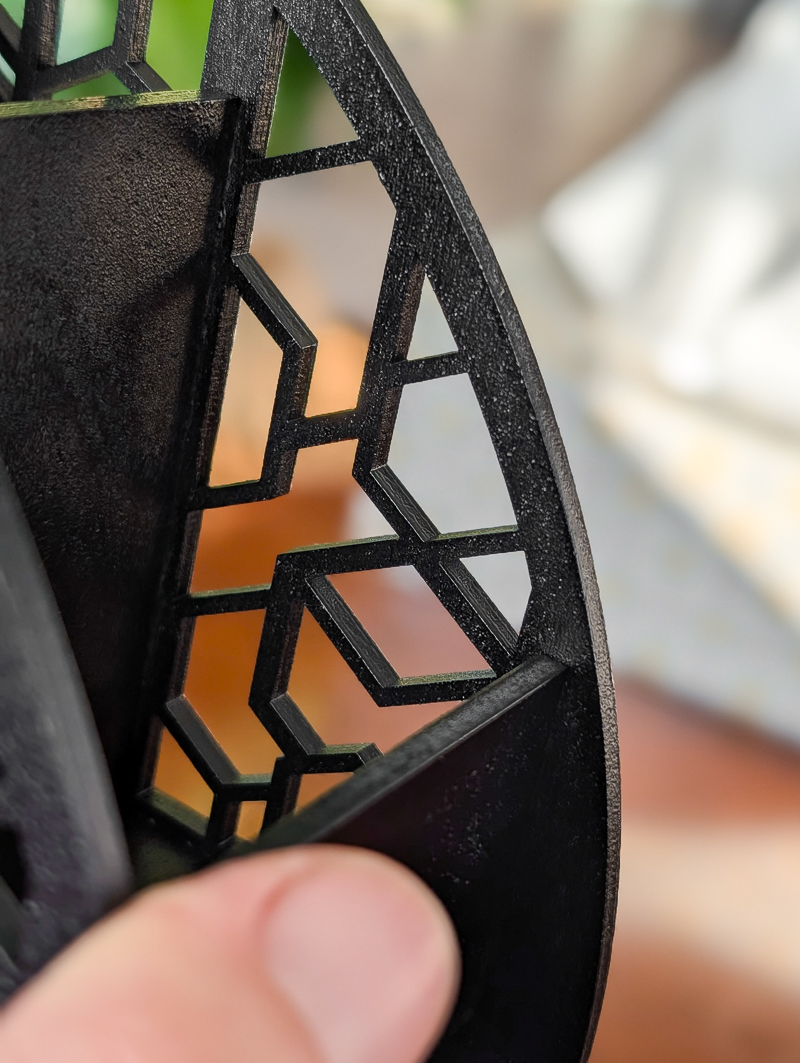
This one had more intricate cutting, but the M2 handled it like a champ. I did have some minor scorching with the default settings for the project in xTool, but nothing that couldn’t be lightly sanded off. Or, in my case, painted over. Because I decided to paint this one black.
It’s a great little home for the remote, and since we only have one remote, we threw an extra charging cord in the other compartment. We’re always fighting over these super long three-way chargers!
3. Jewelry box
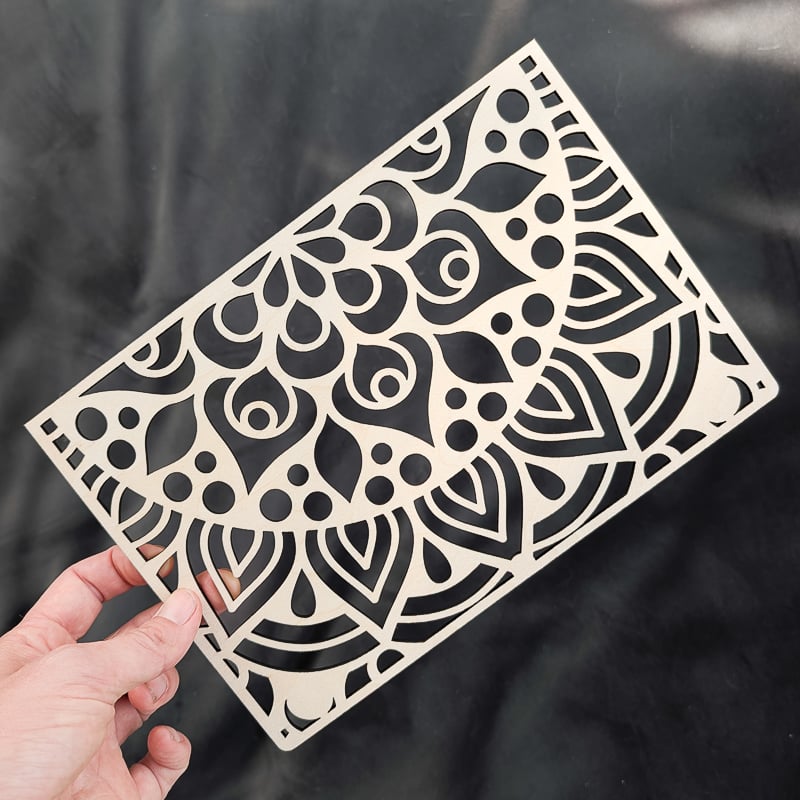
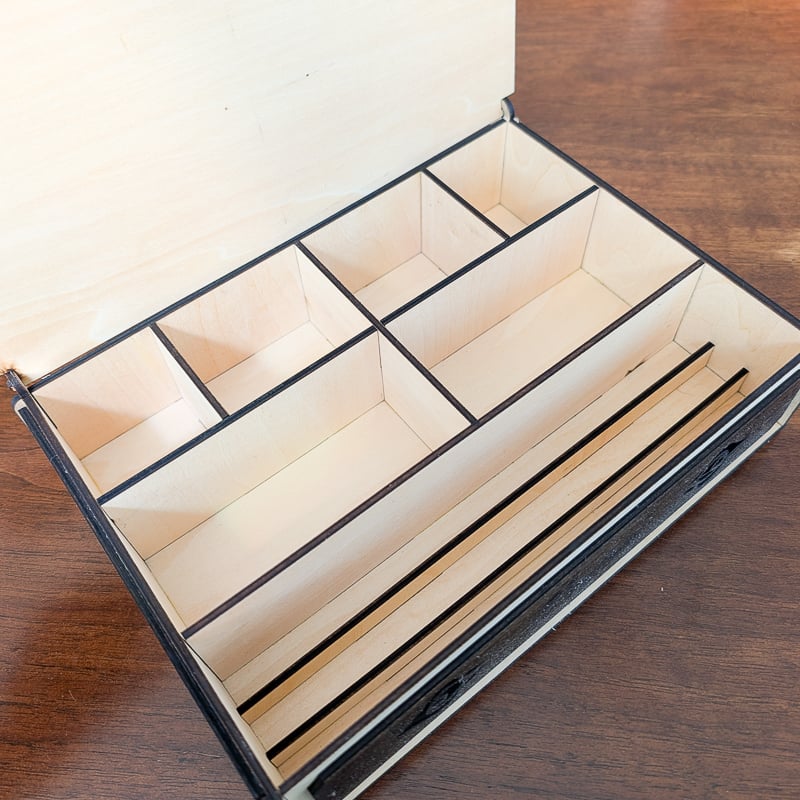
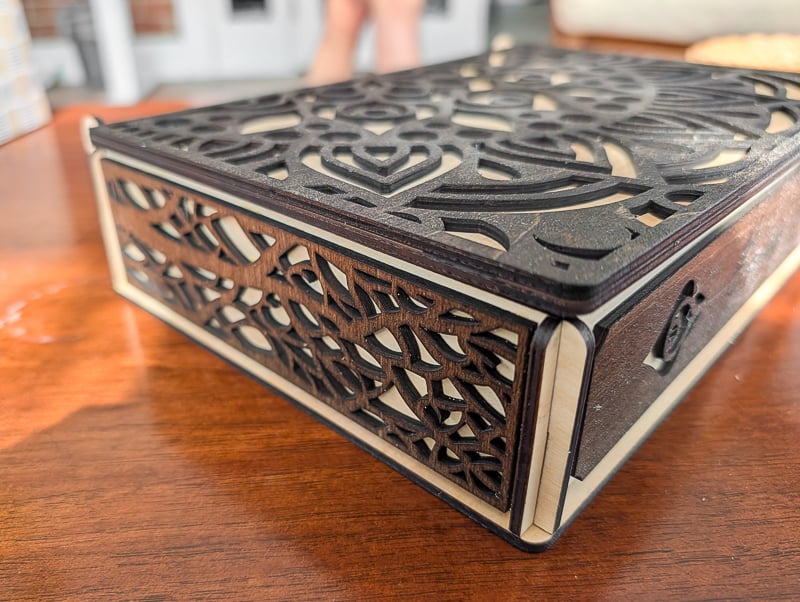
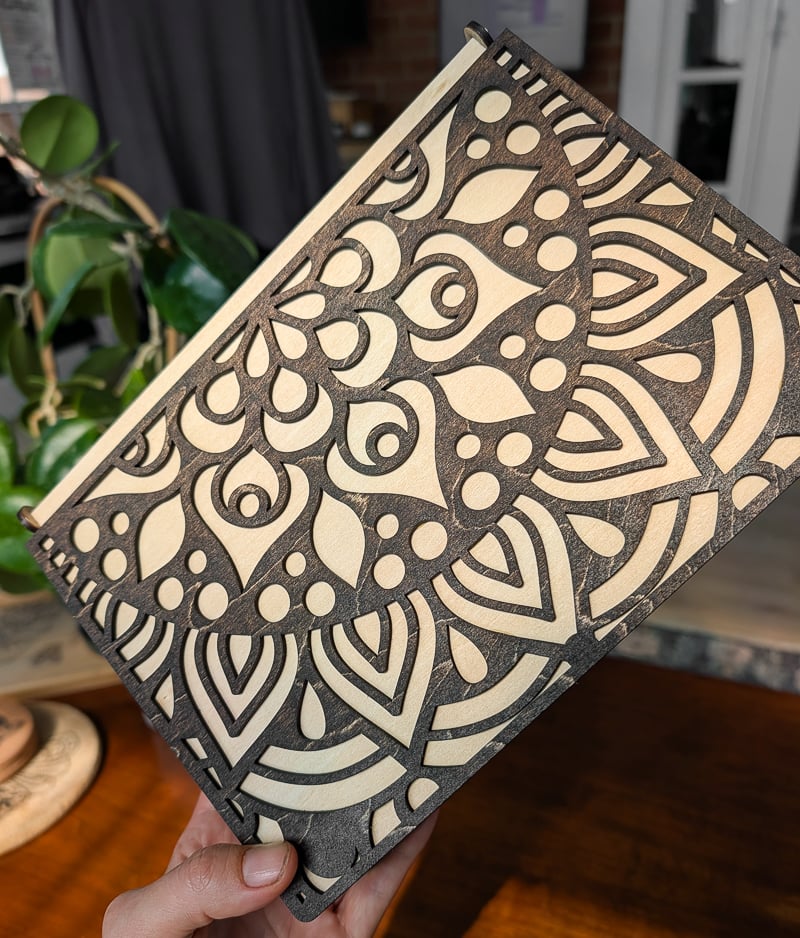
And last up is this really cute, super intricate jewelry/keepsake box. It has a bunch of little compartments inside, and I like how it’s a regular box with an intricate overlay. That means the little items inside the box won’t fall out through the holes. The overlay is glued on top of the box.
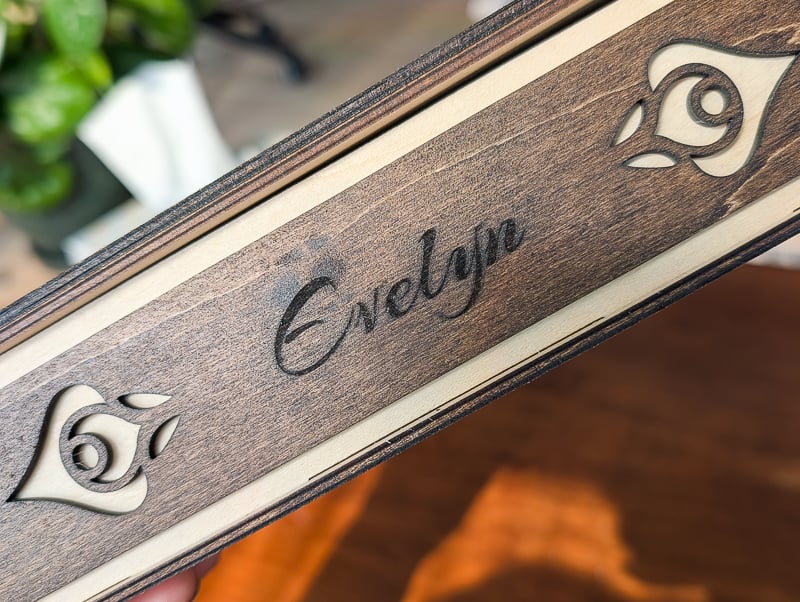
I decided to stain the overlay a darker color and then spray the whole box with a satin sealant. Oh, and this one had a bit of engraving. I made it for my friend’s daughter to put her in her room since they just moved.
This one definitely took a while to cut, but everything came out and went together perfectly.
I can’t wait to continue experimenting with this machine. It is definitely a huge step up from the M1 (which I still have and love!) while keeping all of the things I loved about that machine. Questions?? Let me know in the comments!